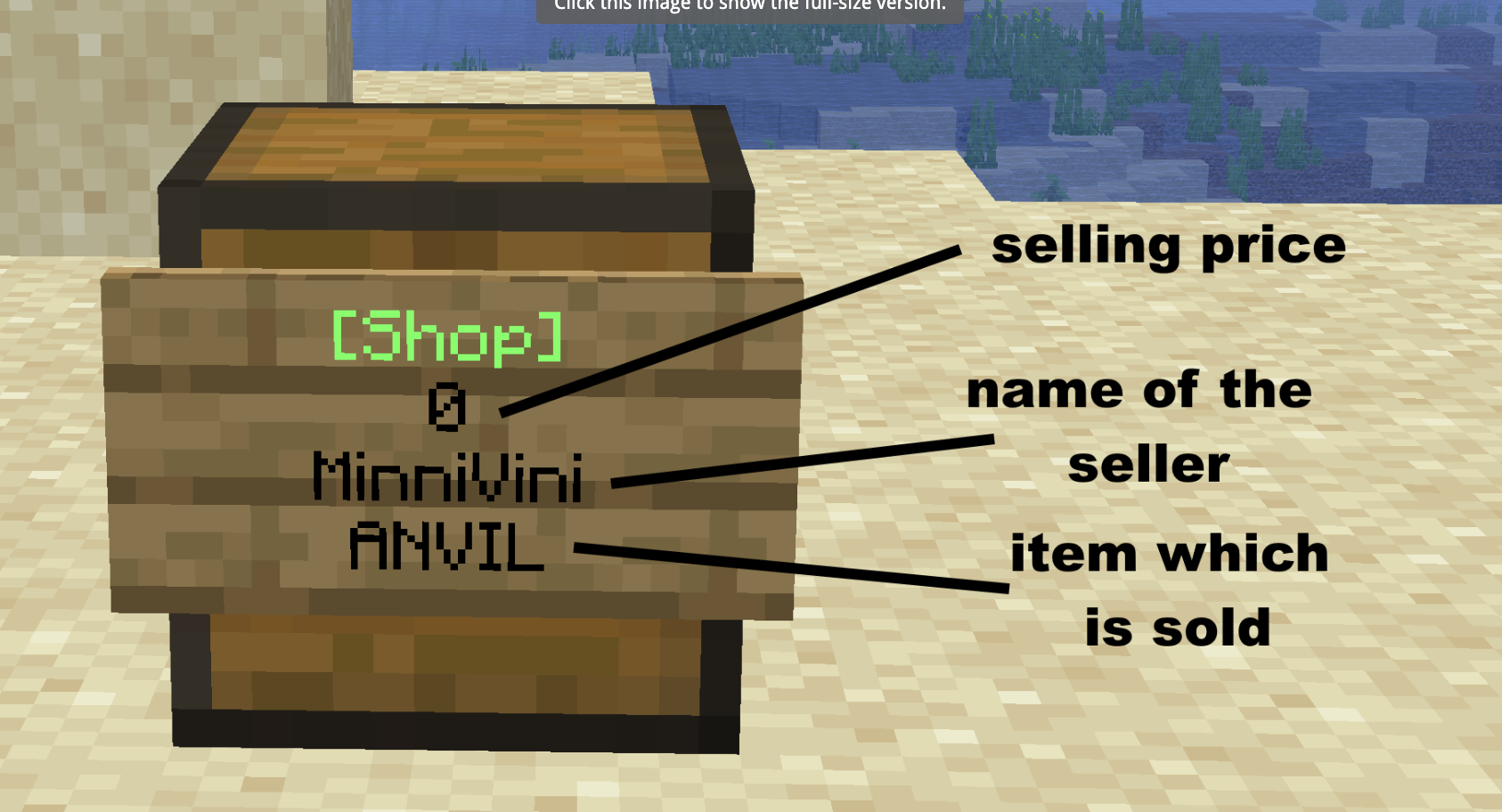

Practical Information
Getting Started
/sethome
Set a home at your current location.
/home
Teleport to one of your homes.
/spawn
Return to the server spawn.
/rtp
Teleport to a random location in the world.
Jobs
/jobs
Open the Jobs menu and browse available jobs.
/jobs join <job>
Join a job of your choice.
/jobs leave <job>
Leave one of your current jobs.
/jobs rewards <job>
View and claim your available level rewards.
Claims
/claim
Claim the chunk you are currently standing in.
/unclaim
Unclaim the chunk you are currently standing in.
/claim list
View and manage all of your claims.
/claim add <claim> <IGN>
Trust a player in your claim
/claim addchunk
Add the chunk you are standing in to your claim.
/claim autoaddchunk/autodelchunk <claim name>
Moving to new chunks will claim or unclaim them, it will add to the claim you name. Running /claim autoaddchunk/autodelchunk will remove this.
/claim ban/unban <claim name> IGN
Ban or unban a player from your claim.
/claim bans
View and manage all of your claim bans.
/claim tp
Teleport to your claim
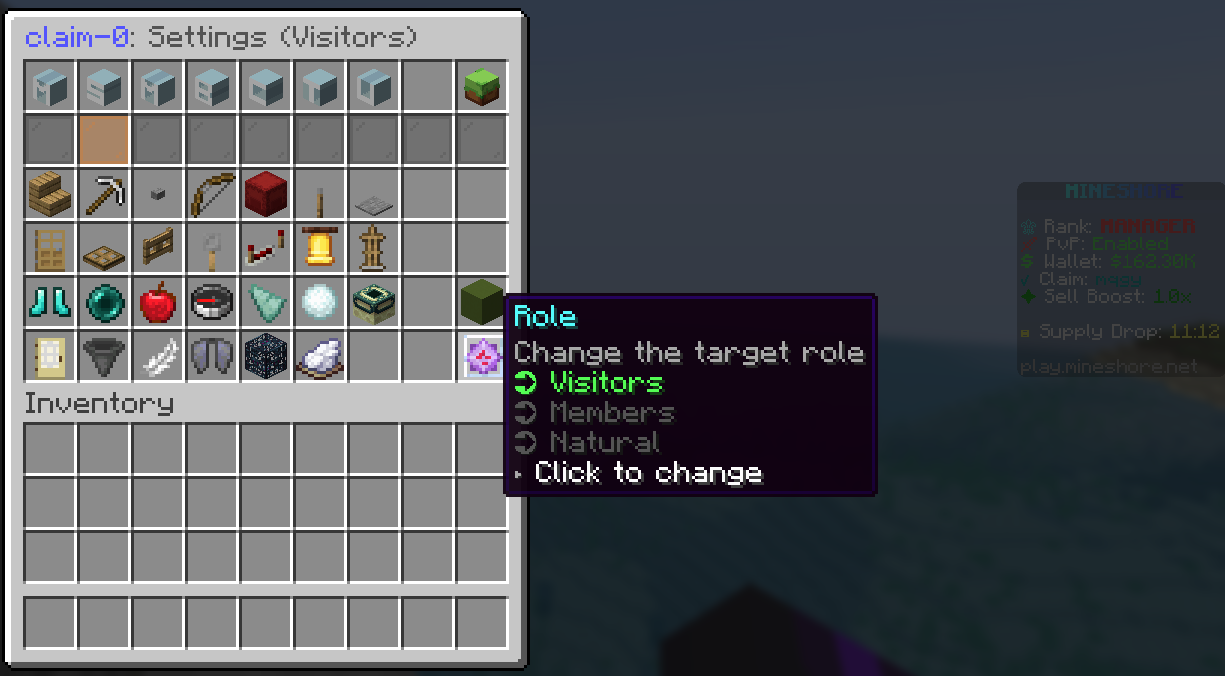
/claim settings
All of the above commands can be used here. You can also edit individual permissions for visitors and members, the natural role is where you can edit the environment for your claim. Additionally, replacing the claim name with * let's you run the commands on all your claims.
Work
/work
Open the Work menu to browse available work and earn extra money.
Economy
/shop
Open the server shop.
/balance
View your current balance.
/pay <player> <amount>
Send money to another player.
/boosts
View your active sell boosts.
Tokens
/tokenshop
Spend your earned Tokens on exclusive rewards.
Community
/pw
Browse Player Warps.
/warp
View and teleport to available server warps.
/ah
Open the Auction House to buy and sell items with other players.
Last edited: 3 months ago
 x 1
|
x 1
|
 x 1
x 1